How do I delete an environment with lingering service accounts?
Last updated: February 21, 2025
Context
Answer
To delete an environment with lingering service accounts, follow these steps for each service account:
Navigate to the service account settings
Disable the "Stop" option in the lifecycle settings
Save the changes
Deploy the service account
Delete the service account
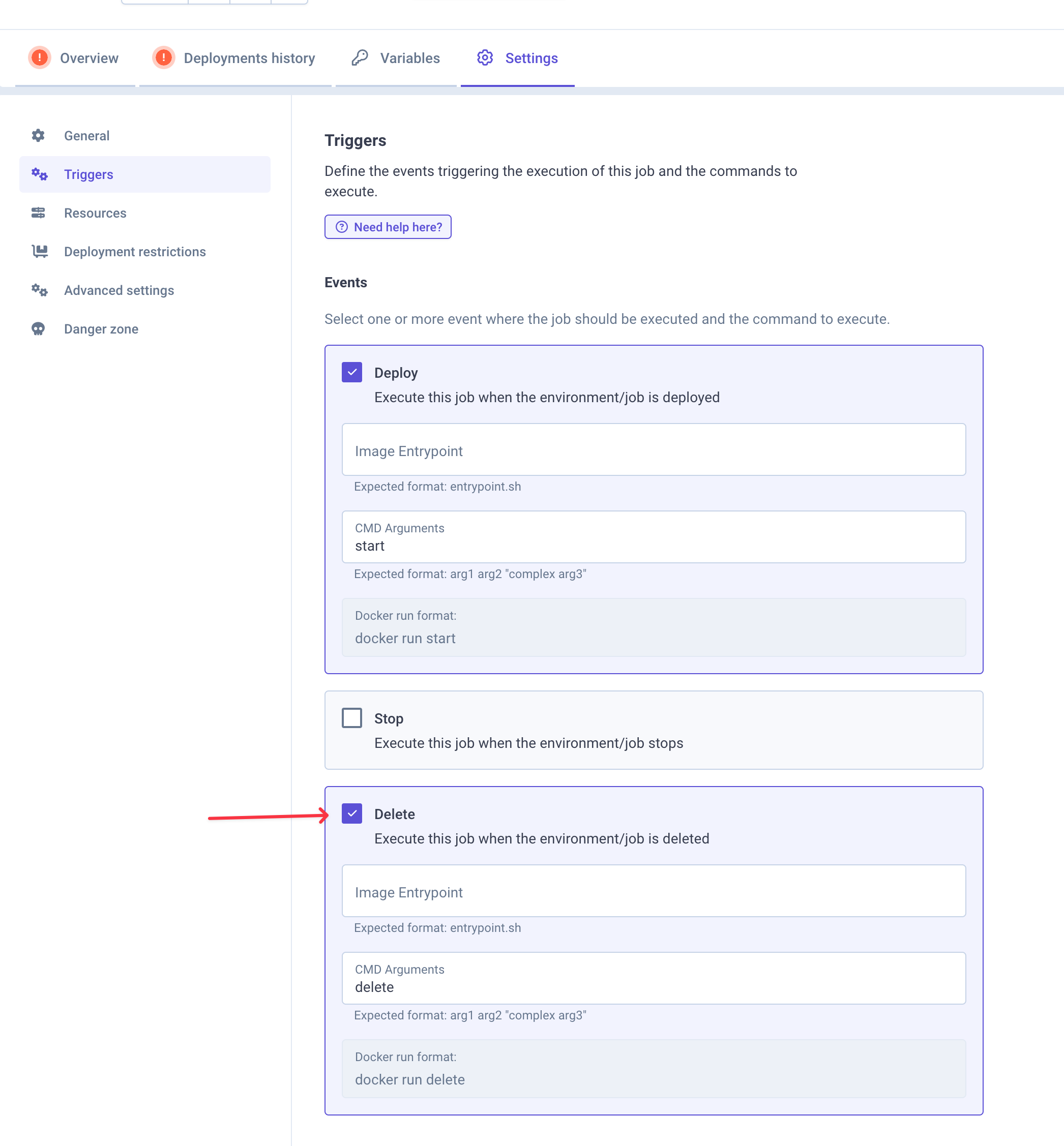
Note: The lifecycle job approach for service accounts is deprecated. It is recommended to switch to using Helm charts instead of lifecycle jobs for managing service accounts. Please refer to our guide on using AWS IAM roles with Qovery for the current best practice implementation.